Getting Started — WooCommerce Native App
In this tutorial, we describe step by step how to run our WooCommerce App Template so you can launch your own WooCommerce native app for your WordPress e-commerce store. The template is written in Swift and connects to any WooCommerce store, listing products, categories, and accepting orders that show up in your WooCommerce dashboard.
Overview
High-level steps:
- Run the iOS app template in Xcode
- Modify the URL to point to your WooCommerce website
- Enable Firebase Auth to manage mobile customers
- Set up Stripe accounts to accept payments
- (Optional) Customize colors, branding, featured categories
- Submit your app to the App Store
1. Run the iOS app template in Xcode
If you’re familiar with Xcode, install the pods and open the .xcworkspace. Otherwise follow our detailed tutorial on running Xcode projects that use CocoaPods: https://www.iosapptemplates.com/xcode-projects-run-app-templates.
Main pod dependencies used by this template:
- Facebook SDK — Login with Facebook
- Firebase — Auth, Firestore, Notifications
- Stripe — Payments
- Alamofire — Networking
- Kingfisher — Image downloading
2. Modify the URL to point to your WooCommerce website
The default project points to our demo store. To point it to your store you will need your store URL and two API keys.
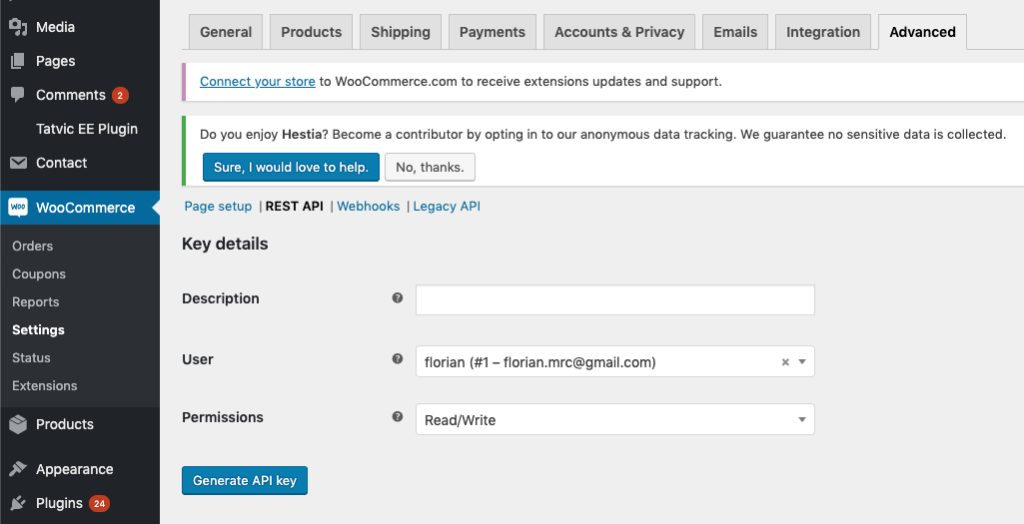
In WordPress go to WooCommerce → Settings → Advanced → REST API → Add Key and create a Read/Write key. This generates consumer public and consumer secret keys.
Open ShopertinoServerConfig.swift and update the WooCommerce URL and API keys.

Re-run the app in Xcode and place a test order to confirm it appears in your WooCommerce dashboard.
3. Enable Firebase Auth
The app uses Firebase for user management (login, registration, forgot password, SMS auth). Replace the GoogleService-Info.plist file with your Firebase project's file.
4. Set up Stripe
Follow the Stripe setup steps in this tutorial: https://www.iosapptemplates.com/ecommerce-mobile-app-development.
5. Custom Modifications
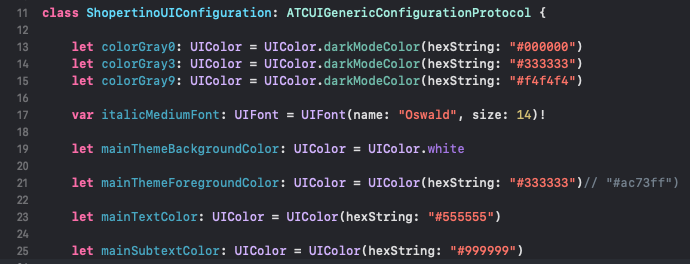
Change theme colors in ShopertinoUIConfiguration.swift.
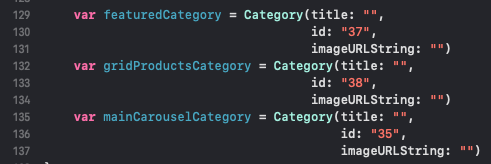
Modify onboarding and home screen categories in ShopertinoDataSourceProvider.swift.
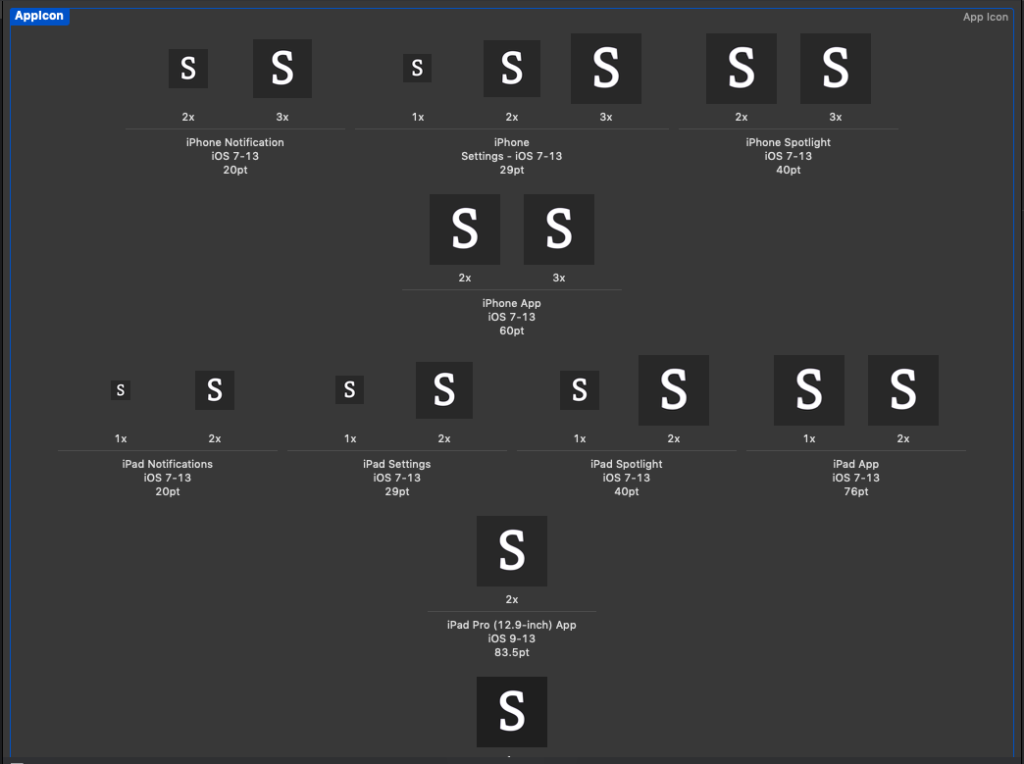
Change app icons in Assets.xcassets.
If you get stuck, contact us for help shipping your WooCommerce native app to the App Store.