Messenger Clone App | How to Build Your Own Chat
Have you ever wondered how to make an app like WhatsApp or Messenger? In this article we describe step by step how to make a chat app like Messenger by leveraging our chat app template, a Messenger Clone inspired by the popular Facebook app. By using our source code you’ll skip months of development and save thousands of dollars.
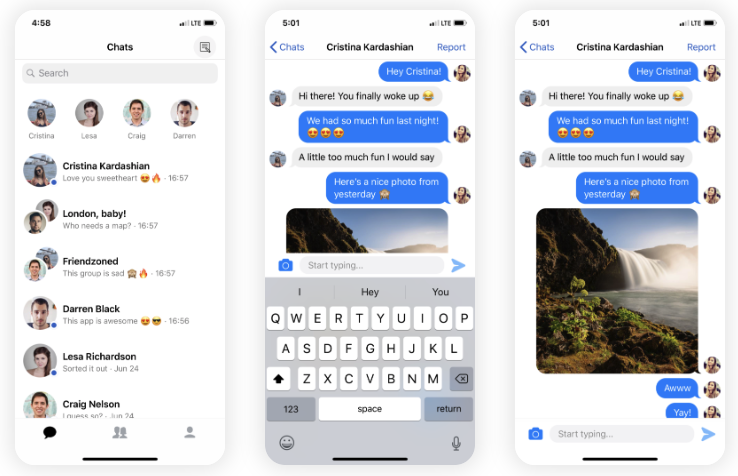
Once you download the Swift project, your own chat app will look like the image above.
Setting up Messenger Clone App in Xcode
To run your Messenger Clone app, link it to your Firebase account and run the Swift project in Xcode. Steps:
- Override
GoogleService-Info.plistwith your own - Install pods (
pod install) in the project folder - Open the
.xcworkspaceand run in Xcode
Note: Use the latest stable Xcode and Swift.
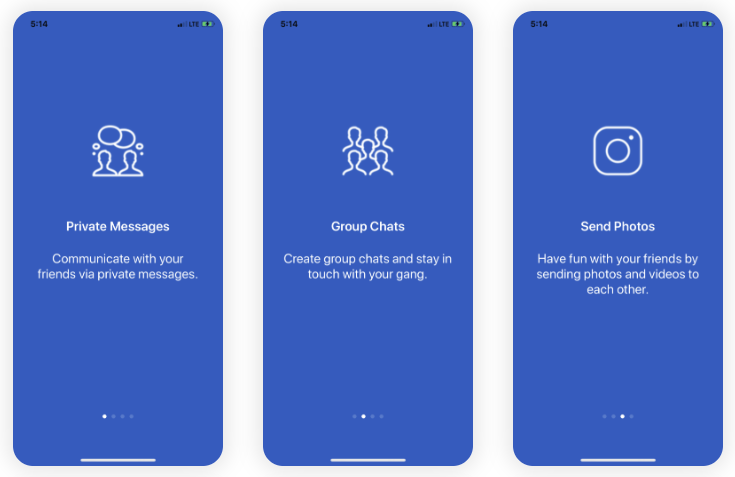
After running the app, create accounts, add friends, and send messages (including group chats and photo messages).
Customize the App Name, Logo and Colors
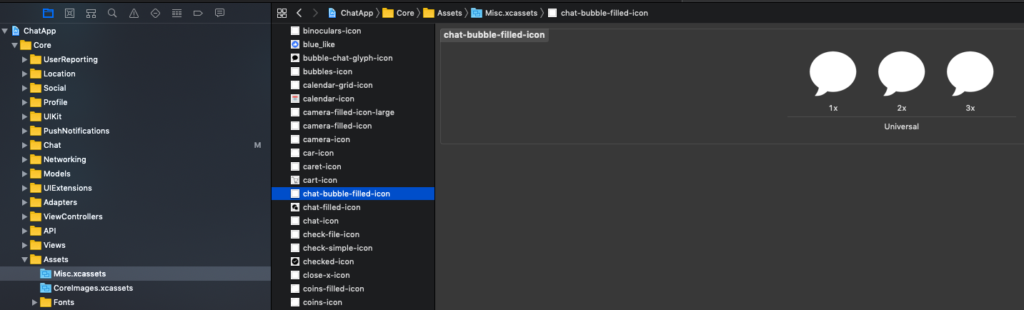
Change the display name and bundle identifier in the ChatApp target to rename the app, and override AppIcon.appiconset with your logo. Use a tool such as MakeAppIcon to generate all sizes.
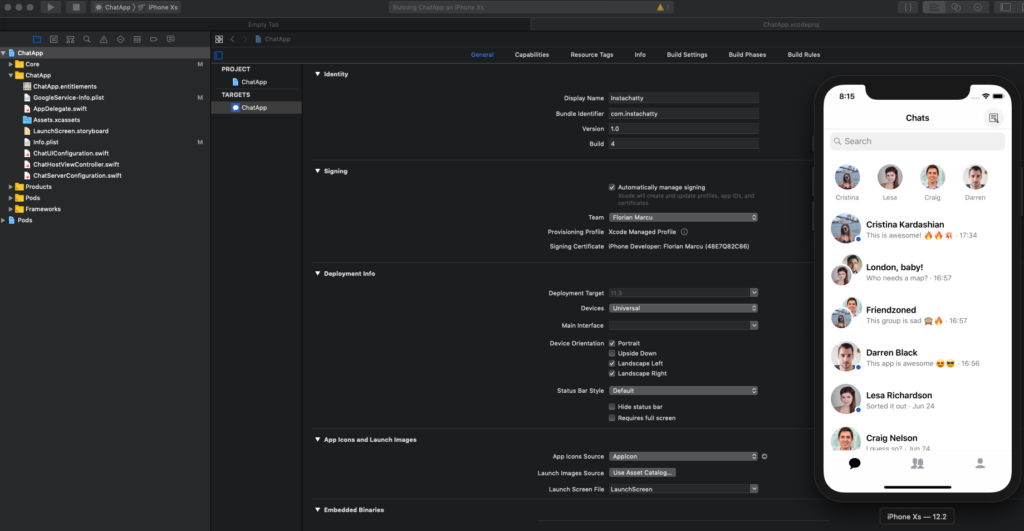
To customize the color scheme edit ChatUIConfiguration.swift and re-run the app.
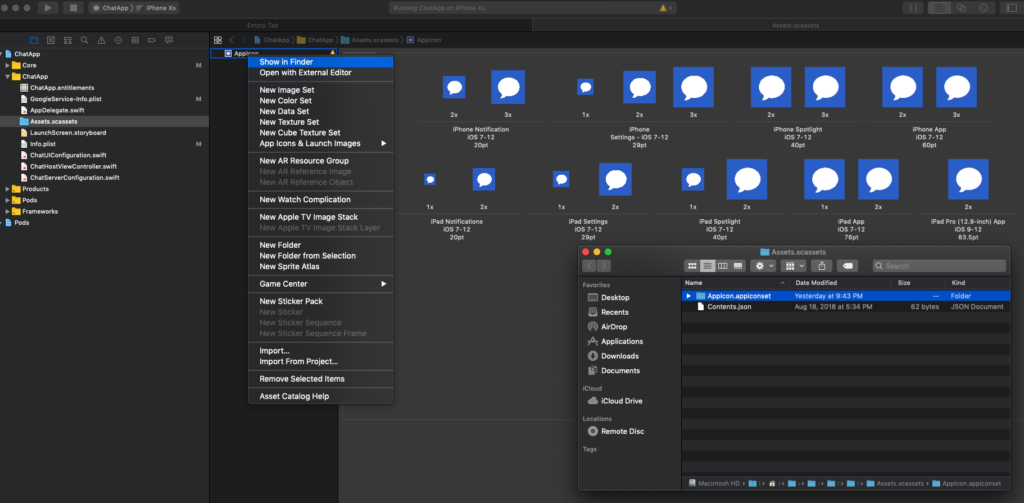
Customize Walkthrough, Login, Tabs and Push Notifications
- Edit
ATCMockStore.swiftto configure walkthrough screens - Update
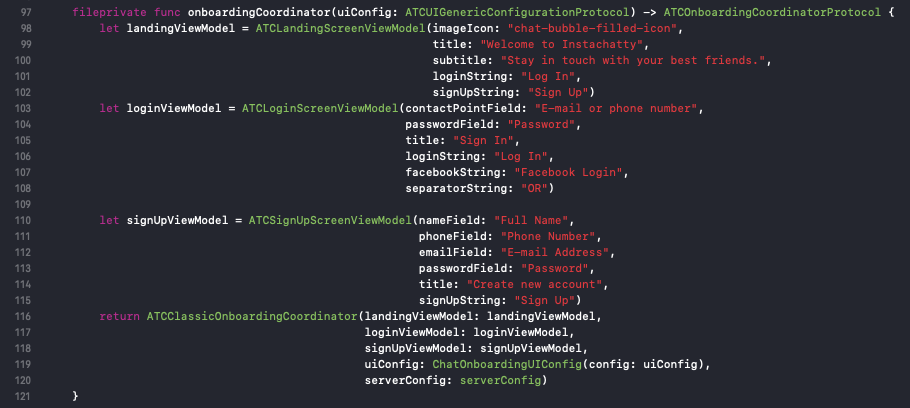
ChatHostViewContorller.swiftto change copy/placeholders for onboarding - Edit the
menuItemsarray inChatHostViewContorller.swiftto modify the tab bar - Follow our push notifications guide to configure APNs and upload certificates to Firebase, then update
ATCPushNotificationSender.swiftwith your server key


Make changes, re-run, and iterate.