Build Your Own iOS Dating App (Tinder-like)
So you’re building your own iOS Tinder Clone in Swift using our premium Swift Dating Template. This tutorial describes how to get your MVP up and running quickly: run in Xcode, replace the Firebase plist, create profiles, and publish.
First, run the Swift app in Xcode. Install pods and open the .xcworkspace.

Link the project to your Firebase account by replacing GoogleService-Info.plist and enabling Auth/Storage.
Key components:
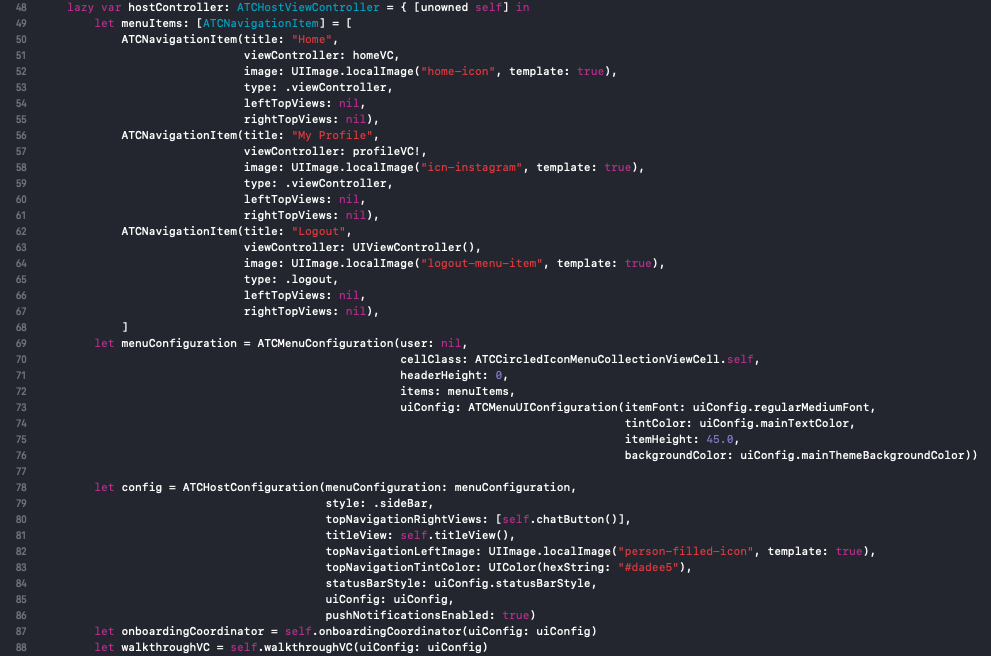
DatingServerConfiguration— server config (enable/disable Firebase)DatingUIConfiguration— theme (colors, fonts, tab bar)DatingHostViewController— main host controller (walkthrough, tabs, menu)DatingFeedViewController— home screen with Koloda swipe cardsDatingAddProfilePhotoViewController— upload profile photoATCDatingAccountDetailsViewController— profile completion screen
Data sources and managers:
ATCDatingFeedFirebaseDataSource— fetch and filter profiles from FirebaseATCDatingFeedMockDataSource— mock data optionATCDatingFirebaseSwipeManager— records swipes and handles matchingATCProfileFirebaseUpdater— upload photos and update user profileATCDatingChatHomeViewController&ATCChatThreadViewController— chat UI and threads
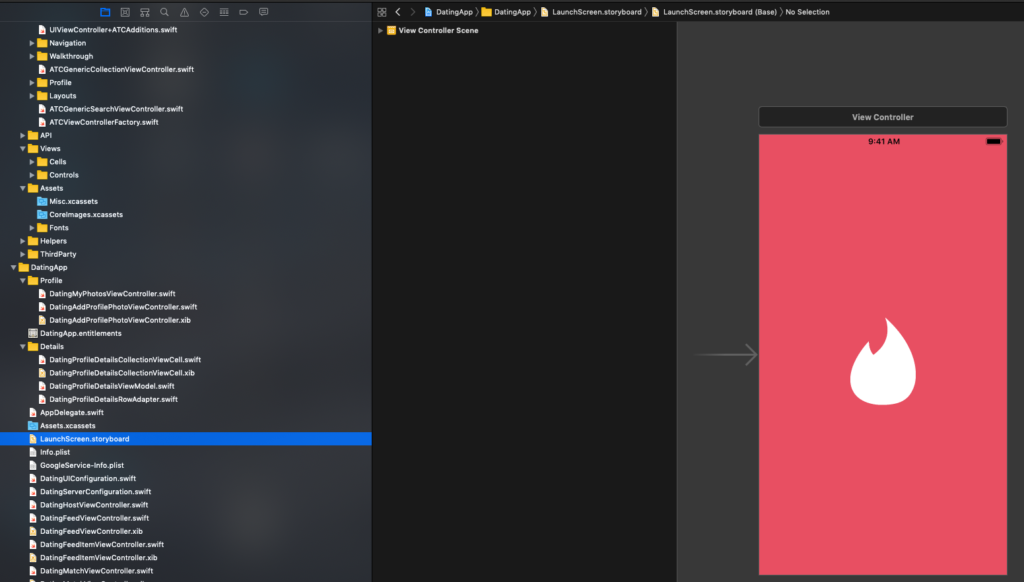
Customize walkthroughs in ATCWalkthroughStore and the splash screen in LaunchScreen.storyboard.

When ready, submit to the App Store following our submission checklist and include a test user for review.