iOS Onboarding Walkthrough in Swift
Captivate Your Users from the First Launch: A Lightweight Swift Framework Powering High-Impact Onboarding Experiences and Seamless Multi-Screen App Introductions.
Master the first impression with this free iOS Onboarding Walkthrough template. Fully coded in Swift, it features a modular design for unlimited screens, Dark Mode support, and a smooth navigation flow. MIT-licensed for any project.
Free Access
4+ Preview Screens
Included Source Code
Instant Download
Trusted by 150,000+ developers and 5,500+ paid customers.
Why This Sells Well
Everything needed to start faster, without building the boring parts from scratch.
- Inspect the code before spending anything
- Documentation and setup guide included
- No credit card required
Best next step
Download the free version first, then upgrade later if you want the paid license or full bundle.
1 / 4
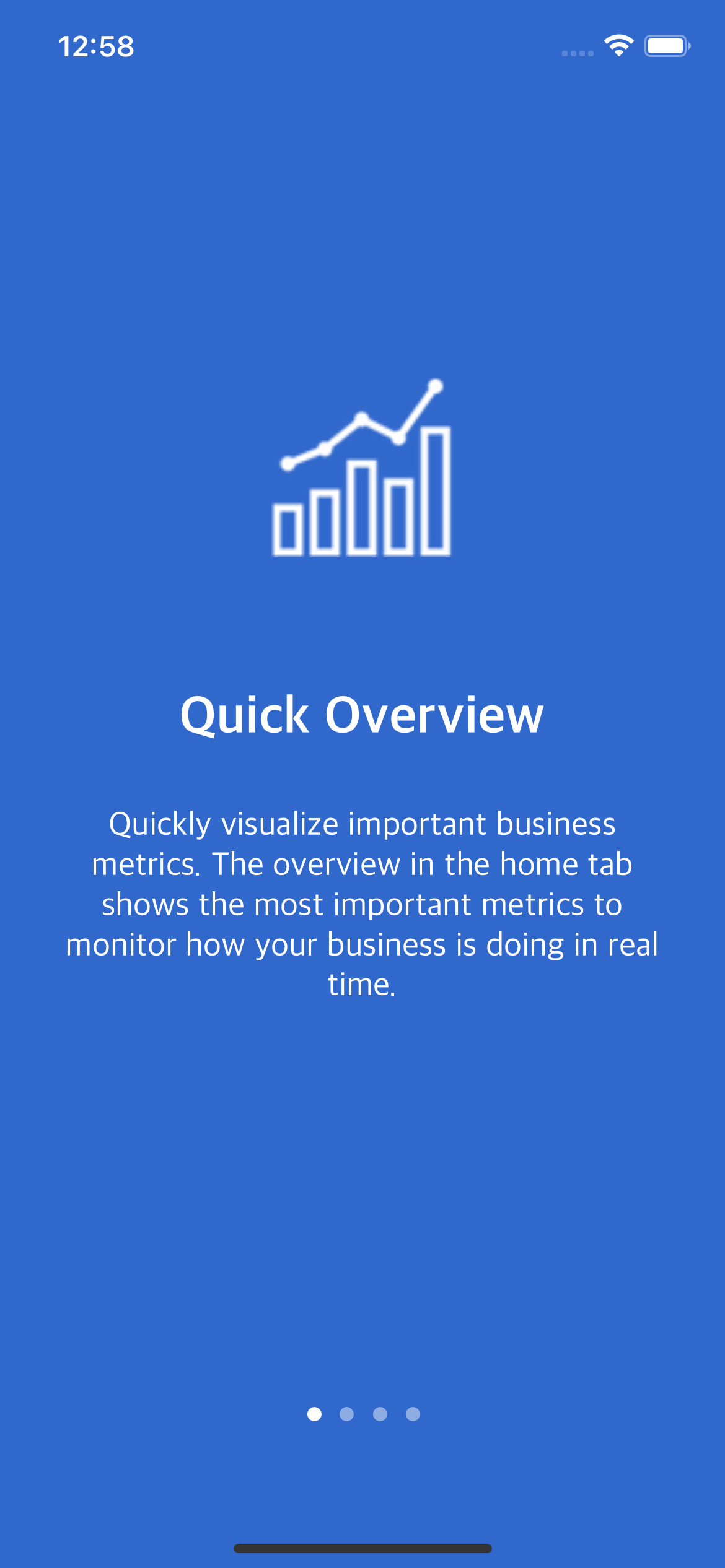
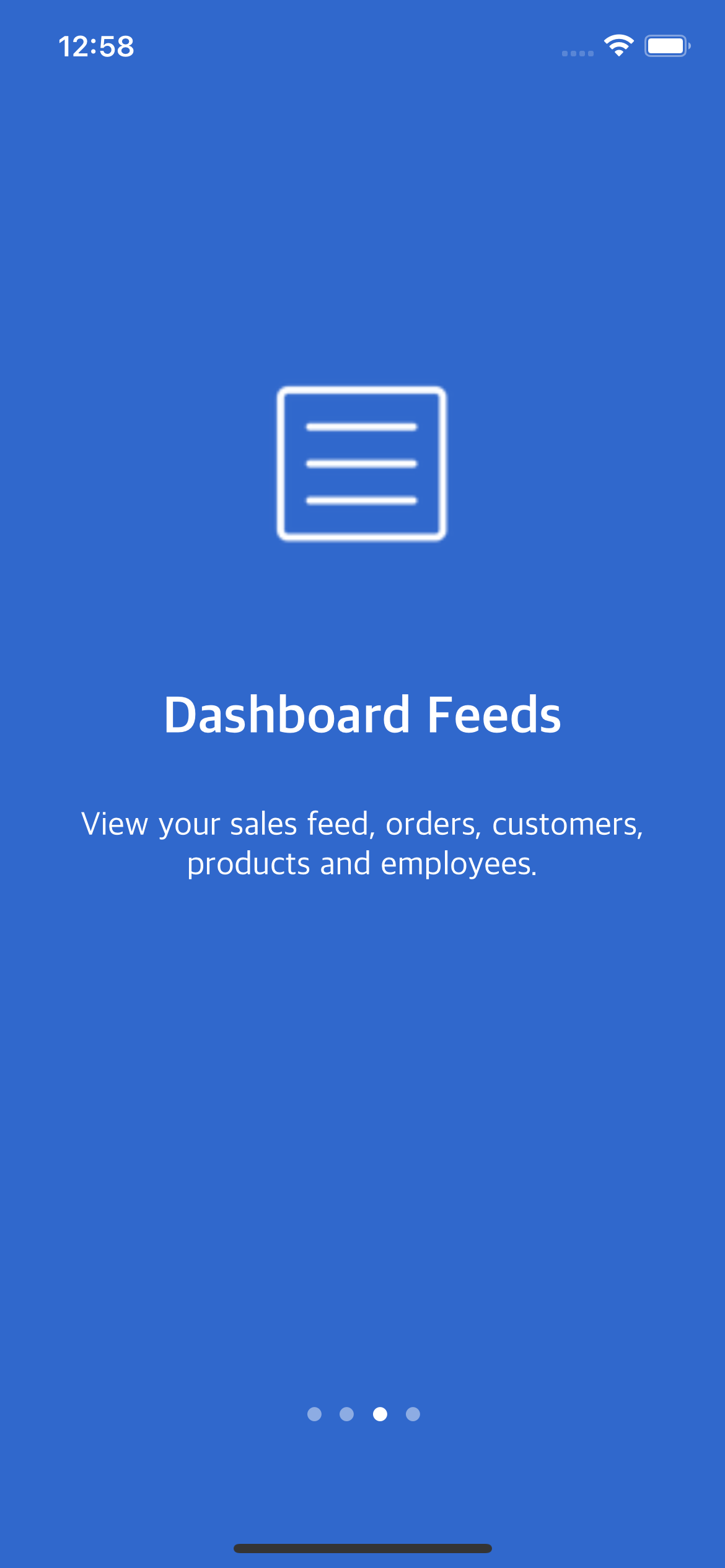
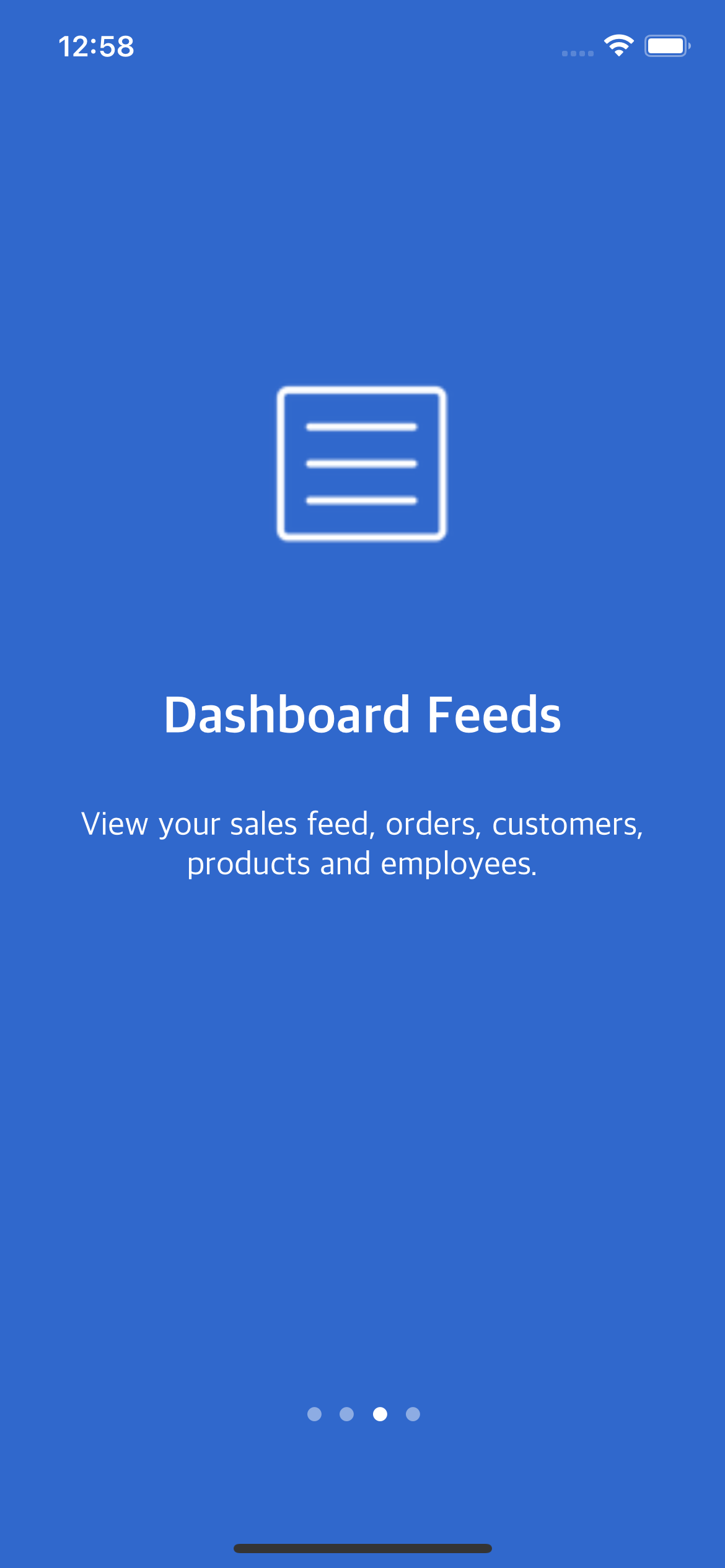
Slide 1 of 4
Why Buyers Trust Dopebase
500,000+
Downloads
150,000+
Developers
5,500+
Paid customers
Customer Feedback
“Xcode projects were ready to run and easy to adapt for our needs.”
Marcus Wright
iOS Engineer
Start Free or Unlock Everything
Download this free template now or unlock the full iOS App Templates bundle in one purchase.
FreebieFreebie
Price
Free
Free Download
Download the free version of iOS Onboarding Walkthrough in Swift and inspect the code right away.
Want more than this freebie? The bundle unlocks the full catalog in one purchase.
No credit card required.
No payment required
Source code included
Instant access
Choose what to get
Compare termsStart with the free template or unlock the full bundle.
Best for
A simple way to try the template before buying anything.
- Try the template without paying
- Review the code and setup flow
- Instant download
Included with your download
- Free access to this template
- Setup guide and documentation
- 4+ preview screens
- Instant download
Inside This Template
See what you get before digging into the full technical details
Overview
You get the full codebase, running in latest Xcode.
Configurable Screens Modularized Architecture Dark Mode Support UI Layout Navigation End of Flow Animation Compatible with latest version of Swift Running in Xcode
What You Get
- Walkthrough Onboarding Flow in Swift You get the full codebase, running in latest Xcode.
- Dark Mode Support
- Unlimited Screens You can add as many screens as you'd like by simply adding elements to a config array.
- Modularized Codebase All the screens are highly configurable, the model layer being abstracted out.
- Github Project You get access to our open-source Github project.
- MIT License Use this project without license restrictions.
Key Highlights
- Configurable Screens
- Modularized Architecture
- Dark Mode Support
- UI Layout
- Navigation
- End of Flow Animation
Full Details
Open the sections below for the full included list, feature breakdown, and technical details.
.png?alt=media&token=47610155-c549-4092-9b5e-e9e9c07c3d1f)
.png?alt=media&token=3e4ad940-0038-45fd-a729-bdd366a9fb84)